검색 증강 생성(RAG) - PDF RAG 학습 앱 (2)
2026. 6. 21. 00:26ㆍAI/LLM
이전 시간에 배운 RAG 기본 개념을 이용해 PDF RAG 분석 애플리케이션을 만들어보자.
이번엔 gradio 프레임워크를 이용해서 Python에서만 구성해볼 것이다.
먼저 gradio로 화면단만 구성한다. 사용된 코드는 아래와 같다.
import gradio as gr

# 화면 구성

with gr.Blocks() as app:
    gr.Markdown("# PDF RAG 학습 앱")

    with gr.Tabs():
        with gr.Tab("1단계 - PDF & Chunk 확인"):
            # 파일 업로드 컴포넌트
            pdf_input = gr.File(label="PDF 업로드", file_types=[".pdf"])
            btn1 = gr.Button("분석 시작")

            textConfig1 = [
                {"label": "총 페이지수", "lines": 1},
                {"label": "첫 페이지 내용", "lines": 20},
                {"label": "총 chunk 수", "lines": 1},
                {"label": "첫번째 chunk", "lines": 10},
                {"label": "첫번째 chunk_metadata", "lines": 5},
            ]

            # Textbox 5개
            text_list1 = [gr.Textbox(**chunk1) for chunk1 in textConfig1]

            btn1.click(fn=process_pdf, inputs=[pdf_input], outputs=text_list1)
        with gr.Tab("2단계 - RAG QA"):
            pdf_input2 = gr.File(label="PDF 업로드")
            q_input = gr.Textbox(label="질문 입력", lines=1)
            btn2 = gr.Button("질문하기")

            textConfig2 = [
                {"label": "검색된 Chunk", "lines": 20},
                {"label": "최종 답변", "lines": 10},
            ]

            text_list2 = [gr.Textbox(**chunk2) for chunk2 in textConfig2]

            btn2.click(fn=rag_chat, inputs=[pdf_input2, q_input], outputs=text_list2)
app.launch()


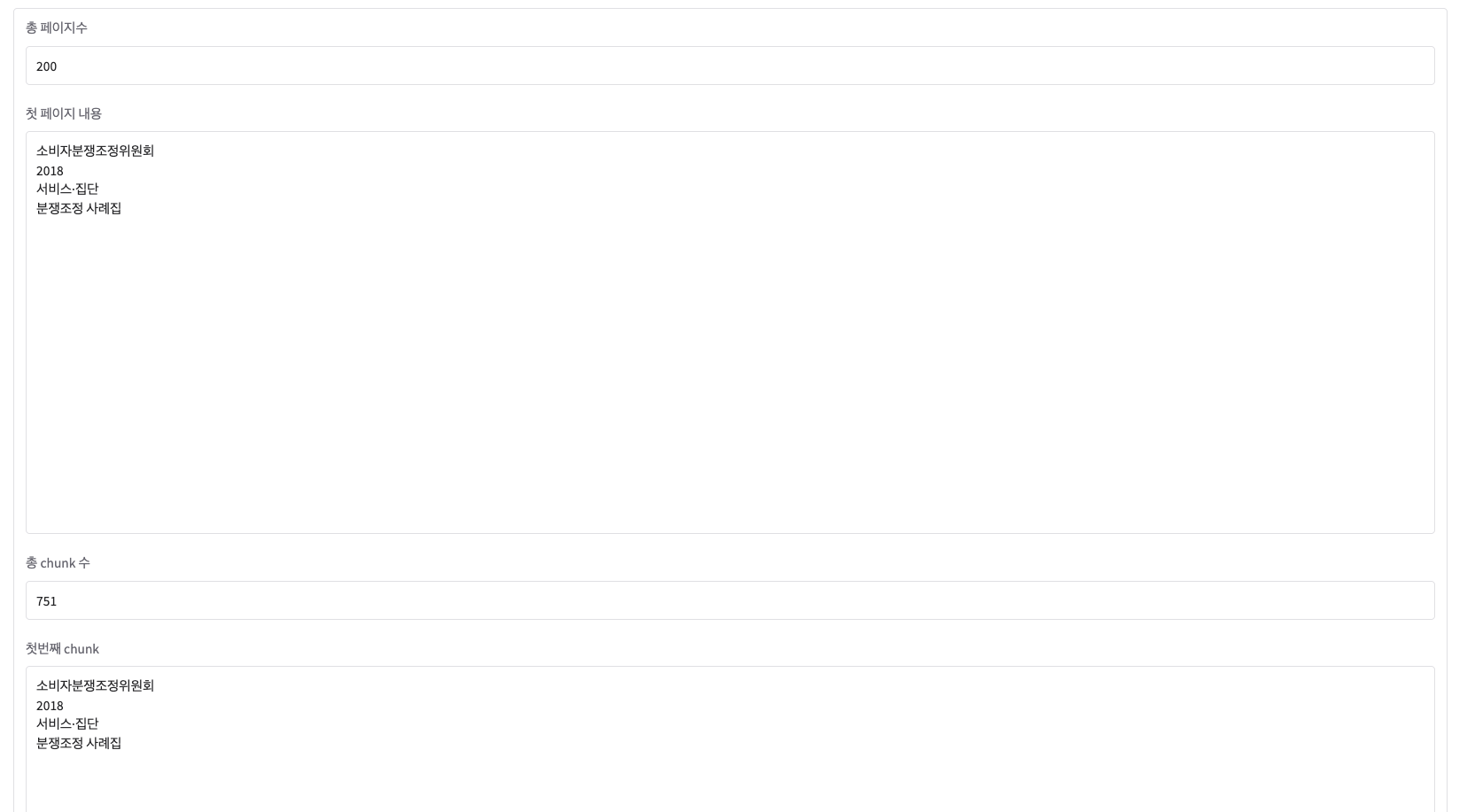
1단계 : PDF & Chunk 확인하는 탭
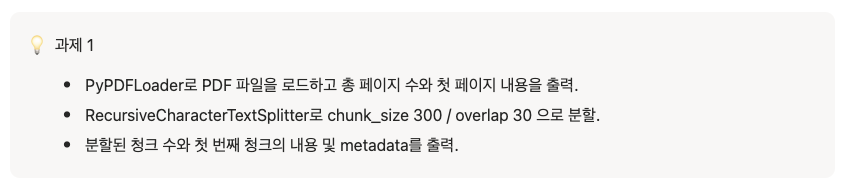
# 1단계
def process_pdf(pdf_file):
    if pdf_file is None:
        return ("PDF 파일을 업로드 해주세요", "", "", "", "")

    # PDF 로드
    loader = PyPDFLoader(pdf_file)
    docs = loader.load()

    # 총 페이지 수
    total_pages = len(docs)

    # 첫 페이지 내용
    first_page_content = docs[0].page_content[:1000]

    # 총 chunk 수
    splitter = RecursiveCharacterTextSplitter(chunk_size=300, chunk_overlap=30)
    chunks = splitter.split_documents(docs)
    total_chunks = len(chunks)

    # 첫번째 chunk
    first_chunk = chunks[0].page_content

    # 첫번쨰 chunk metadata
    first_chunk_metadata = chunks[0].metadata

    return (
        total_pages,
        first_page_content,
        total_chunks,
        first_chunk,
        first_chunk_metadata,
    )
2단계 : RAG QA
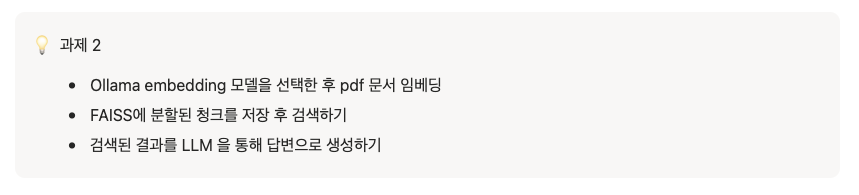
# 모델 LLM, Embedding
ollama_embedding = OllamaEmbeddings(model="nomic-embed-text-v2-moe")
llm = ChatOllama(model="qwen2.5")

# 2단계
def rag_chat(pdf_file, question):
    if pdf_file is None:
        return ("PDF 파일을 업로드 해주세요", "", "", "", "")

    # PDF 로드
    loader = PyPDFLoader(pdf_file)
    docs = loader.load()

    # TextSplitter
    splitter = RecursiveCharacterTextSplitter(chunk_size=300, chunk_overlap=30)
    split_docs = splitter.split_documents(docs)

    # embedding
    faiss_store = FAISS.from_documents(documents=split_docs, embedding=ollama_embedding)

    # retriever
    retriever = faiss_store.as_retriever(search_kwargs={"k": 3})

    retriever_docs = retriever.invoke(question)

    # 컨텍스트 생성
    context = "\n\n".join([doc.page_content for doc in result])

    # prompt
    system_message = """\
    당신은 pdf 기반 RAG AI입니다.
    다음 문서를 참고하여 질문에 답변하세요.

    문서:
    {context}

    질문:
    {question}
    """

    prompt = ChatPromptTemplate.from_template(system_message)

    # RAG Chain
    chain = prompt | llm | StrOutputParser()

    answer = chain.invoke({"context": context, "question": question})

    # 답변, rag 결과 반환
    retrieved_text = ""

    for i, doc in enumerate(retriever_docs):
        retrieved_text += f"""
        [검색 문서 {i}]

        내용 :
        {doc.page_content}

        메타데이터:
        {doc.metadata}
        {"=" * 50}
        """

    return retrieved_text, answer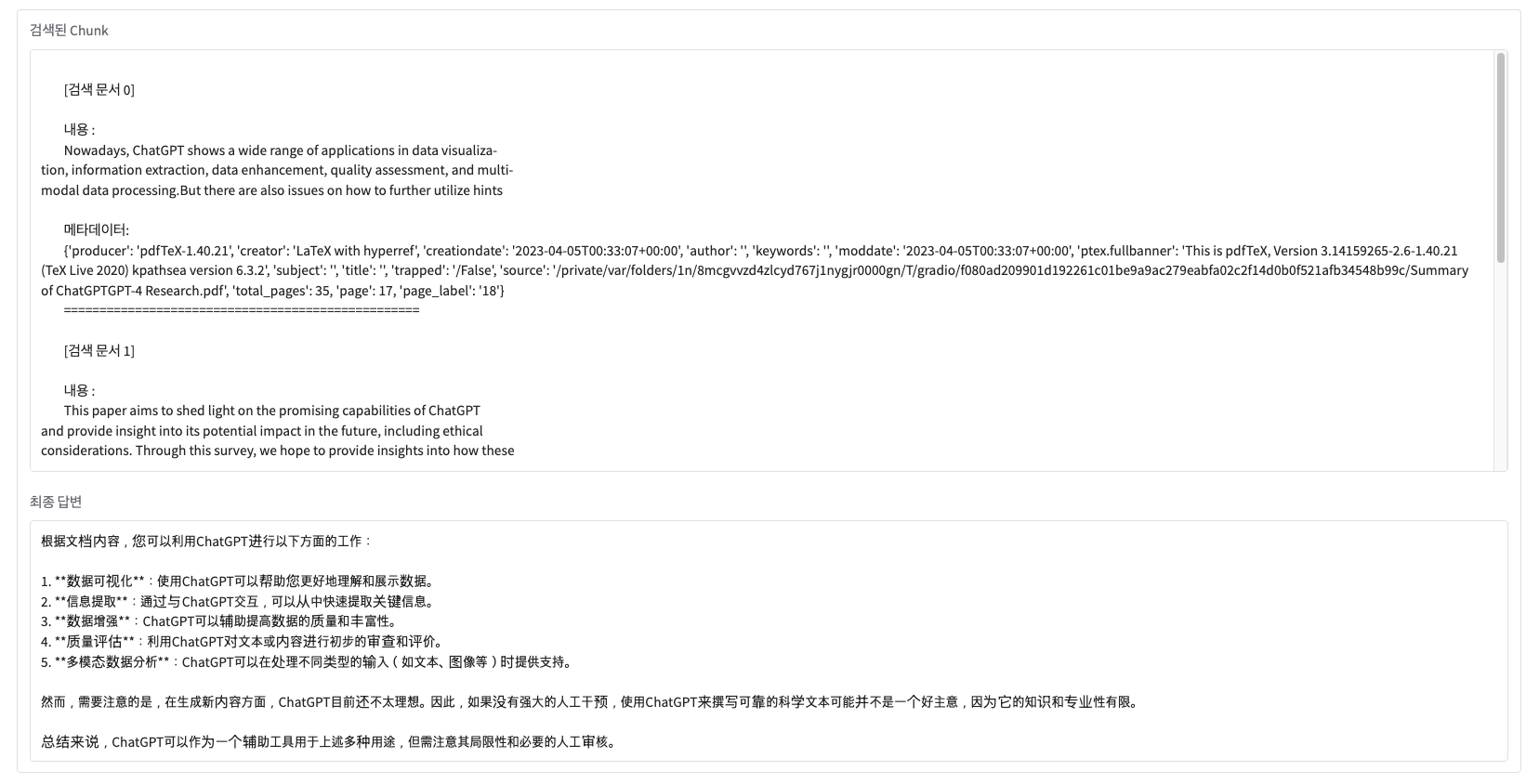
'AI > LLM' 카테고리의 다른 글
| 검색 증강 생성(RAG) - 개념 (1) (0) | 2026.06.20 |
|---|---|
| 랭체인(LangChain) - 심화 내용 (3) (0) | 2026.06.20 |
| 랭체인(LangChain) - 요리 전문가 챗봇 실습 (2) (0) | 2026.06.20 |
| 랭체인(LangChain) - 개념 (1) (0) | 2026.06.06 |
| 올라마(Ollama) - 개념 및 실습 (0) | 2026.06.06 |